Celestial Crown iOS App: Can iPhone Users Download & Install It?
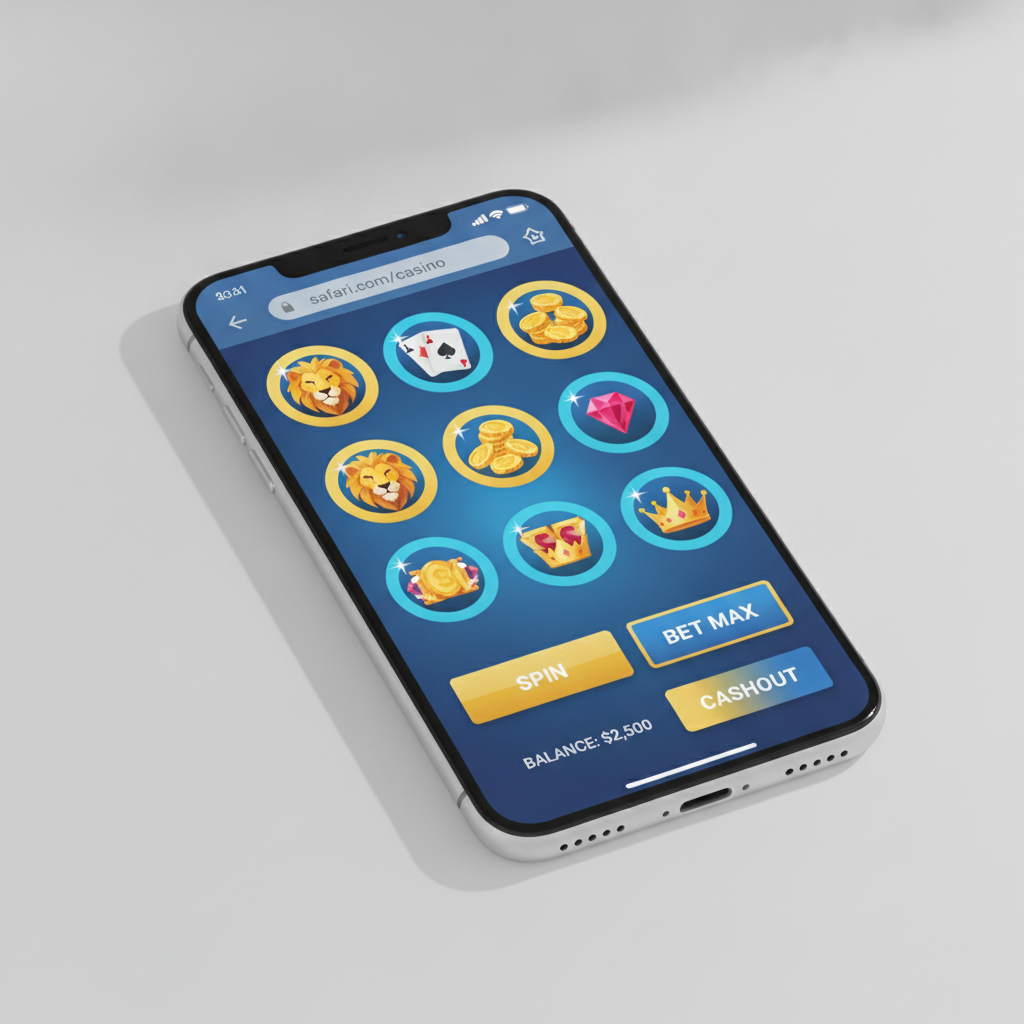
Is there an official Celestial Crown app for iPhone and iPad?
As of now, Celestial Crown does not offer a dedicated iOS app available through the Apple App Store. Unlike Android users who can download an APK file directly from the Celestial Crown site, iPhone and iPad users cannot install a native app on their devices.
The reason is simple: Apple's App Store policies restrict real-money casino and sportsbook apps in most regions, including the Philippines. Even legitimate operators find it difficult to distribute gambling apps through official iOS channels. This means Filipino players using iPhones or iPads will need to rely on the mobile web version instead.
That said, the mobile web experience is designed to work seamlessly on iOS devices. You won't need to jailbreak your phone or hunt for unofficial app files. The Celestial Crown platform is fully accessible through Safari and other iOS browsers, and the interface is optimized for touch screens, small displays, and mobile data connections.
This service is for players aged 21 and over only. Set deposit limits and take breaks if gambling stops being fun.
Using the mobile web version on Safari: how it works and performance
When you visit Celestial Crown on your iPhone or iPad, Safari will load the mobile-optimized version of the site automatically. The layout adjusts to fit your screen, whether you're using an iPhone SE, a standard iPhone 14, or a larger iPad.
Here's what to expect:
- Login and navigation: The login screen appears as soon as you land on the homepage. Enter your username and password, and you'll be taken to the main lobby. The menu typically sits at the bottom or in a slide-out panel, giving you quick access to slots, live dealer tables, sports betting (PBA, NBA, volleyball), and bingo.
- Game loading: Slots and live casino games run in your browser. Most titles load within a few seconds over LTE or Wi-Fi. You may notice a brief splash screen while the game connects to the server, but once loaded, gameplay is smooth. Popular providers optimize their games for mobile HTML5, so you won't need Flash or any plugins.
- Sports betting: The sportsbook interface on Safari is responsive. You can browse upcoming PBA and NBA matches, tap odds to add selections to your bet slip, and place single or parlay bets. The bet slip usually floats at the bottom of the screen so you can review your stake and potential payout before confirming.
- GCash and Maya deposits: When you tap "Deposit," the cashier page opens within Safari. Select GCash or Maya, enter the amount in pesos (minimum usually PHP 100), and you'll be redirected to the e-wallet app or web login. After completing the payment, you're returned to Celestial Crown, and your balance updates within a minute or two in most cases.
- Performance on iOS 14 and later: If your iPhone runs iOS 14, 15, 16, or 17, the mobile site will perform well. Older iOS versions (13 and below) may encounter occasional layout quirks or slower JavaScript execution, but Safari generally handles modern casino sites without major issues.
The trade-off is that you must stay online. Unlike a native app that might cache certain elements, the web version reloads pages and assets each time you navigate. However, image and script caching in Safari helps speed up repeat visits.
Adding a Celestial Crown shortcut to your iOS home screen
Even without an App Store download, you can create a shortcut that looks and behaves much like a standalone app. This "web app" icon sits on your home screen alongside your other apps and opens Celestial Crown in a full-screen browser window without the Safari address bar.
Step-by-step instructions:
- Open Safari and navigate to the Celestial Crown homepage. Log in if you like, or simply load the main page.
- Tap the Share button at the bottom center of Safari (the square with an arrow pointing up).
- Scroll down in the share menu and tap "Add to Home Screen."
- Edit the name if you want (for example, shorten it to "Celestial Crown" or "CC Casino").
- Tap "Add" in the top-right corner.
The shortcut icon will now appear on your home screen. When you tap it, Safari opens in full-screen mode, hiding the address bar and navigation buttons. The experience feels closer to a native app, especially if you enable guided access or turn on Do Not Disturb to avoid pop-ups.
Limitations of the home-screen shortcut:
- Each time you open the shortcut, the site reloads from scratch. Your login session will persist if you checked "Remember me" and your cookies are enabled, but you may still need to re-enter your password periodically.
- You won't receive push notifications for bonuses, sports results, or cashout confirmations the way you might with an Android APK.
- iOS does not allow home-screen web apps to run background processes, so any in-play bets or live dealer hands must remain open in the browser tab to stay active.
Despite these limits, many Filipino players find the home-screen shortcut convenient. It eliminates the need to type the URL or search through Safari bookmarks every time you want to place a bet or spin a slot.
Differences between Android APK and iOS web experience
Android users who download the Celestial Crown APK enjoy a few advantages that iPhone users currently do not:
- Push notifications: The Android app can send alerts for deposit confirmations, withdrawal updates, new bonuses, and live sports events. iOS Safari cannot deliver true push notifications to a web app shortcut.
- Offline branding: The APK includes app icons, splash screens, and a distinct app identity in the multitasking switcher. The iOS shortcut still opens a browser session, so it may feel less polished.
- Faster login: Some Android APKs cache login tokens more aggressively, so you spend less time re-authenticating. On iOS, Safari's Intelligent Tracking Prevention clears some cookies after a period of inactivity, which can log you out.
- Integrated updates: When Celestial Crown releases a new version of the Android APK, users receive an in-app prompt to update. On iOS, updates happen automatically because you're always accessing the latest mobile website—no manual downloads required.
Where iOS holds its own:
- No APK installation risks: iPhone users never have to enable "Install from Unknown Sources" or worry about downloading a corrupted file. Apple's sandboxed browser environment offers peace of mind.
- Automatic compatibility: As long as Celestial Crown maintains its mobile site, every iOS update from Apple will continue to support it. Android APK users occasionally face compatibility issues after major OS upgrades.
- Lower storage footprint: The Safari web app doesn't occupy permanent storage. Images and scripts are cached temporarily, but you won't see a 50–100 MB app sitting in your device storage.
In practical terms, the gap is smaller than it appears. Both Android APK users and iOS Safari users can deposit via GCash or Maya, place sports bets, spin slots, and request withdrawals. The core functionality is identical; only the wrapper differs.
Tips for smooth betting and casino play on iPhone (iOS 14+)
To get the best experience on your iPhone or iPad, follow these recommendations:
- Keep Safari updated: Install the latest iOS version your device supports. Safari updates often include performance improvements and bug fixes that make web apps run faster.
- Use Wi-Fi or a stable 4G/5G connection: Live dealer tables and in-play sports betting streams consume data and require low latency. A strong connection reduces stuttering video and prevents bet-slip errors.
- Clear cache periodically: If pages load slowly or images fail to appear, go to Settings → Safari → Clear History and Website Data. This wipes old cookies and cached files. You will need to log in again, so make sure you remember your password.
- Enable autofill for login: Store your Celestial Crown credentials in iCloud Keychain or a password manager like 1Password. Safari can autofill your username and password, speeding up the login process.
- Turn off Low Power Mode during live play: Low Power Mode throttles background activity and reduces screen brightness, which can cause live dealer streams to pause or sports odds to update less frequently. Switch it off when you're actively betting.
- Check deposit limits before you play: GCash and Maya impose daily transaction caps. If you plan to deposit more than PHP 10,000 in a single day, you may need to split payments across multiple methods (for example, GCash + bank transfer via InstaPay). Knowing your limits beforehand avoids failed deposits mid-session.
- Add the shortcut to your home screen: As explained above, this saves time and creates a cleaner, app-like interface.
- Monitor battery life: Streaming live dealer games or keeping the sportsbook open for hours can drain your battery. Carry a power bank or play near a charger if you plan a long session.
- Review withdrawal times: When you request a cashout to GCash, Maya, or your bank, processing can take anywhere from a few hours to two business days, depending on the method and time of day. Plan accordingly if you need funds quickly.
- Contact support via Safari: If you encounter login errors, verification issues, or payment problems, the live chat or email support is accessible directly in Safari. Take screenshots of error messages to speed up troubleshooting.
Reminder: Only players aged 21 and over may use Celestial Crown. Gamble responsibly, set personal deposit limits, and seek help if betting becomes a problem.
Final thoughts: While an official Celestial Crown iOS app is not available, iPhone and iPad users can still enjoy the full range of slots, live dealer games, PBA and NBA sports betting, and bingo through Safari. By adding a home-screen shortcut and following the tips above, you'll get an experience that rivals a native app in convenience and performance. Android APK users may have a slight edge in push notifications and branding, but iOS players benefit from automatic updates, simpler installation, and Apple's secure browser environment.
For more help with deposits, withdrawals, GCash and Maya walkthroughs, and cashout troubleshooting, explore the other guides on this site.