Celestial Crown GCash Deposit & Withdrawal: Step-by-Step for PHP 100-5000
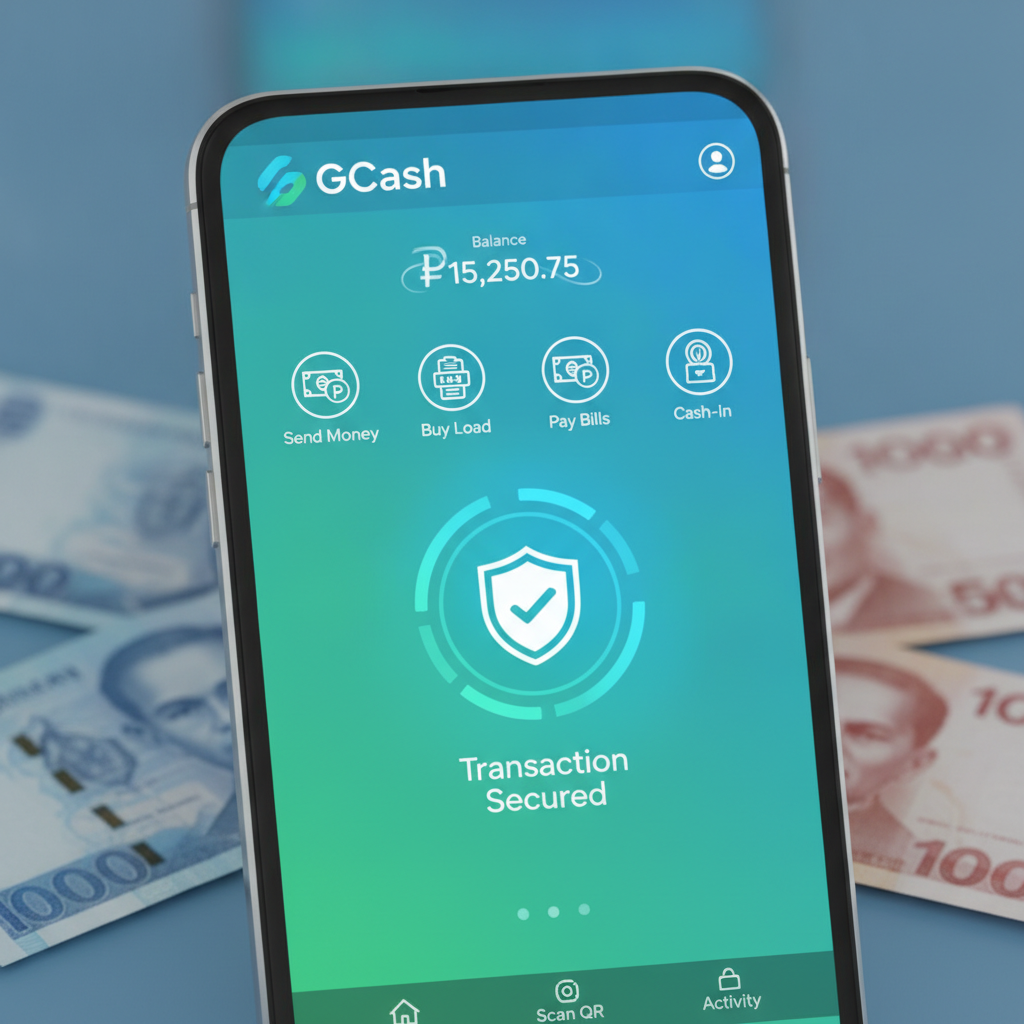
How to Load Your Celestial Crown Wallet Using GCash
Moving pesos from your GCash account into Celestial Crown takes about two minutes once you know where to tap. Here's the full process.
Step 1: Log in and open the cashier
Open the Celestial Crown app or mobile site, then log in with your registered phone number or email and password. Tap the Deposit or Cashier button—usually found in the top-right corner or bottom navigation bar.
Step 2: Select GCash as your payment method
You'll see a list of deposit options: GCash, Maya, bank transfer, and sometimes over-the-counter. Tap GCash.
Step 3: Enter your deposit amount
Type the amount you want to load, in whole pesos. The minimum GCash deposit on Celestial Crown is typically PHP 100, and the maximum for a single transaction is PHP 50,000. Most players deposit between PHP 200 and PHP 1,000 at a time.
Step 4: Confirm and redirect to GCash
Tap Confirm or Proceed. The system will redirect you to the GCash login screen, either inside the app (if you have GCash installed) or in your mobile browser.
Step 5: Authorize the payment in GCash
Log in to GCash using your MPIN. Review the merchant name (it may say "Celestial Crown" or a payment processor name), the amount, and any fees. Tap Confirm or Pay Now.
Step 6: Return to Celestial Crown
After authorization, GCash will redirect you back to Celestial Crown. You'll see a confirmation screen with a transaction reference number. Your wallet balance should update within seconds—most GCash deposits are instant.
Screenshot tip: If you're doing this for the first time, take a screenshot of the confirmation page. It's helpful if you need to contact support about a delayed deposit.
GCash Withdrawal Process: Entering Amount, Account Verification, Confirmation
Cashing out from Celestial Crown to GCash follows a similar flow, but with a few extra verification steps to protect your account.
Step 1: Meet withdrawal requirements
Before you request a cashout, make sure you've completed any wagering requirements tied to bonuses. If you claimed a deposit bonus, you may need to turn over the bonus amount a certain number of times before withdrawal is allowed. Check the My Bonuses or Wallet section for active rollover.
Step 2: Open the withdrawal menu
Tap Withdraw or Cashier, then select the Withdrawal tab. Choose GCash from the list of payout methods.
Step 3: Enter your GCash mobile number
Type the 11-digit mobile number linked to your GCash account (format: 09XX XXX XXXX). This must match the number you registered with GCash. Double-check for typos—sending to the wrong number can delay your payout by days.
Step 4: Enter the withdrawal amount
Input how much you want to cash out. The minimum GCash withdrawal is usually PHP 100, and the maximum per transaction is typically PHP 50,000. Daily withdrawal limits may apply depending on your account verification level; fully verified players often enjoy higher caps.
Step 5: Verify your identity (if prompted)
First-time withdrawals or large amounts may trigger a one-time verification request. You might be asked to upload a photo of your valid ID (driver's license, passport, UMID, or PhilHealth) or confirm your registered email and phone number via OTP (one-time PIN).
Step 6: Submit and wait for approval
Tap Submit or Confirm Withdrawal. Celestial Crown will review your request. Most GCash withdrawals are approved and processed within 1 to 24 hours on weekdays. Weekend or holiday requests may take until the next business day.
Step 7: Receive pesos in GCash
Once approved, the pesos arrive in your GCash wallet. You'll get an SMS or in-app notification from GCash confirming the credit. Check your GCash transaction history to verify the amount and sender name.
Minimum and Maximum Limits for GCash Deposits and Cashouts
Understanding limits helps you plan your bankroll and avoid declined transactions.
| Transaction Type | Minimum | Maximum (per transaction) | Daily Cap |
|-----------------|---------|--------------------------|-----------|
| GCash Deposit | PHP 100 | PHP 50,000 | Varies by account status; typically PHP 100,000+ for verified players |
| GCash Withdrawal | PHP 100 | PHP 50,000 | Often PHP 100,000 to PHP 200,000 for fully verified accounts; may be lower for new or unverified users |
Important notes:
- Monthly limits may apply to withdrawals. Check the Account Settings or Limits page in your Celestial Crown profile.
- GCash itself has its own wallet and transaction caps. As of 2025, a fully verified GCash account (KYC level 2) can hold up to PHP 500,000 and transact up to PHP 500,000 per month. Unverified or partially verified accounts have lower ceilings.
- If you need to move more than PHP 50,000 in one go, split the transaction into two separate withdrawals or consider using bank transfer via InstaPay or PESONet for higher limits.
Common GCash Errors and Fixes
Even with a stable connection, GCash transactions can hit snags. Here's how to troubleshoot the most frequent issues.
"Insufficient Balance" Error
Cause: Your GCash wallet doesn't have enough pesos to cover the deposit amount plus any GCash service fee.
Fix:
- Open your GCash app and check your available balance.
- Cash in at a partner outlet (7-Eleven, SM, Robinsons, Puregold) or via online bank transfer to top up your GCash wallet.
- Wait a minute for the cash-in to reflect, then retry the Celestial Crown deposit.
"Transaction Failed" or "Payment Declined"
Cause: This can mean several things—poor internet connection, GCash server timeout, incorrect MPIN, or a temporary block on your GCash account due to suspected fraud.
Fix:
- Check your mobile data or Wi-Fi. Switch networks if the signal is weak.
- Restart the GCash app and try again.
- If you entered your MPIN wrong multiple times, your GCash account may be temporarily locked. Reset your MPIN via the GCash app's "Forgot MPIN" option or contact GCash hotline 2882 (Globe/TM).
- Clear your browser cache or app cache if you're using the Celestial Crown mobile site.
- Wait 10–15 minutes and attempt the deposit or withdrawal again.
"Pending" Deposit That Hasn't Arrived
Cause: GCash confirmed the payment, but Celestial Crown's system hasn't yet credited your wallet. This is rare but can happen during peak hours or maintenance windows.
Fix:
- Check your GCash transaction history to confirm the payment went through and note the reference number.
- Wait up to 15 minutes—some deposits take a few minutes during high traffic.
- If the balance still doesn't appear, contact Celestial Crown support via live chat or email. Provide your GCash transaction reference, the exact amount, date, and time.
Withdrawal Stuck in "Processing"
Cause: Manual review by Celestial Crown's finance team, especially for first cashouts or amounts above PHP 10,000.
Fix:
- Wait at least 24 hours before following up.
- Check your email and SMS for any verification requests from Celestial Crown.
- If more than 48 hours pass with no update, message customer support with your withdrawal reference number.
Wrong GCash Number Entered
Cause: Typo in the mobile number field during withdrawal.
Fix:
- If the withdrawal is still "Pending," contact support immediately to cancel or correct it.
- Once processed, funds sent to an incorrect GCash number are difficult to recover. You'll need to work with both Celestial Crown and GCash support, and success isn't guaranteed.
- Prevention: Always double-check your registered GCash mobile number before confirming any cashout.
Fees Charged by Celestial Crown or GCash for Deposits and Withdrawals
Knowing the cost structure helps you maximize your playing budget.
GCash Deposits:
- Celestial Crown fee: Typically zero. The platform does not deduct a fee when you load your wallet via GCash.
- GCash fee: As of 2025, GCash does not charge users for sending money to merchants or online casinos classified under bills payment or e-commerce. However, always check the final amount on the GCash confirmation screen before tapping "Pay."
GCash Withdrawals:
- Celestial Crown fee: Often zero for the first few withdrawals per month, or for amounts above a certain threshold (e.g., PHP 1,000). Some casinos charge a small processing fee of PHP 15–50 per cashout if you withdraw frequently or in small amounts. Check the Withdrawal page for the current fee schedule.
- GCash fee: GCash itself does not charge a fee to receive money into your wallet. The pesos you see on the Celestial Crown confirmation screen should match what lands in your GCash account.
Hidden costs to watch:
- Currency conversion: Not applicable here, since both Celestial Crown and GCash operate in Philippine pesos.
- Unmet wagering: If you try to withdraw before completing bonus rollover, the system may forfeit your bonus and any winnings derived from it. That's not a "fee," but it feels like one.
Pro tip: To avoid unnecessary fees, consolidate your withdrawals. Instead of cashing out PHP 200 five times a week, wait and withdraw PHP 1,000 once. This also speeds up processing, since fewer requests mean less queue time for the finance team.
Responsible Gambling Reminder
Celestial Crown is for players 21 years old and above only. Deposit only what you can afford to lose, set a budget before you play, and never chase losses. If you feel gambling is becoming a problem, reach out to a trusted friend or contact the National Center for Mental Health Crisis Hotline at 0917-899-USAP (8727) or 1553 (Luzon-wide landline).
This guide is provided by an independent information site and is not operated by Celestial Crown. All details are based on publicly available information as of 2025 and may change. Always refer to Celestial Crown's official website or customer support for the most current terms, limits, and fees.